
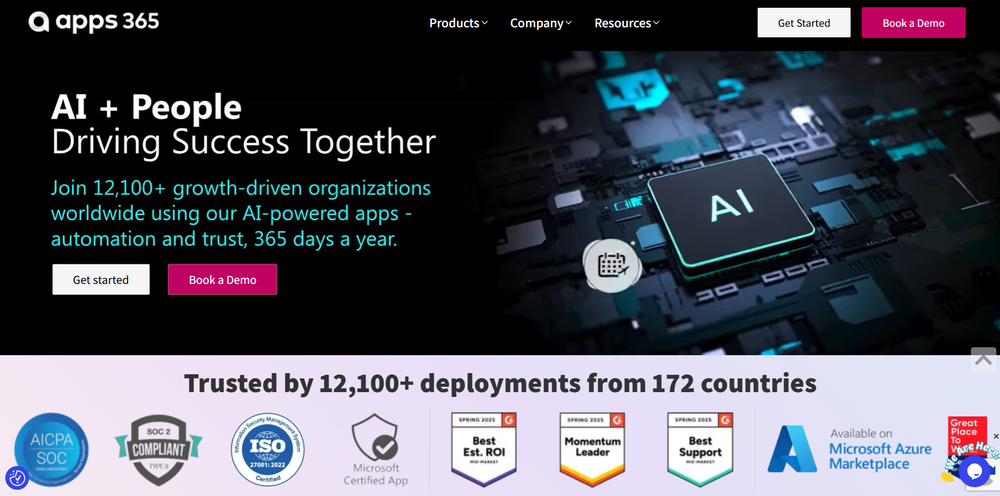
Apps365 – The Best Google Workspace Productivity Tool for Startups
Managing repetitive tasks inside Google Workspace can slow down teams significantly. Businesses often waste hours manually formatting documents, updating spreadsheets, managing templates, and coordinating collaboration across Google Docs, Sheets, and Slides. As teams grow, these repetitive workflows reduce productivity and create unnecessary operational friction.
That’s where Apps365 improves efficiency.
Apps365 is a productivity platform built specifically for Google Workspace users. It provides tools, add-ons, and automation features that help businesses streamline workflows, automate repetitive tasks, manage templates, and improve collaboration across Google applications.
What is Apps365?
Apps365 is a cloud-based productivity suite designed to enhance the functionality of Google Workspace applications such as Google Docs, Sheets, Slides, Gmail, and Drive. Instead of relying only on native Google Workspace features, businesses can use Apps365 tools to automate workflows, improve document management, and simplify repetitive operations.
The platform offers extensions and automation utilities that help teams save time on manual formatting, data processing, template management, reporting, and collaboration tasks. Users can standardize workflows and reduce repetitive actions that commonly slow down operations inside Google Workspace environments.
One of Apps365’s biggest strengths is its focus on workflow efficiency. Teams can automate document generation, streamline spreadsheet operations, and manage reusable templates without requiring complex development resources.
Apps365 also improves collaboration by helping teams organize workflows and maintain consistency across shared documents and presentations. This makes it easier for startups and distributed teams to scale operations while keeping productivity high.
For businesses already relying heavily on Google Workspace, Apps365 provides a practical way to extend functionality and improve day-to-day workflow automation.
Key Features
-
Google Workspace workflow automation tools
-
Productivity extensions for Docs, Sheets, and Slides
-
Template management and document standardization
-
Repetitive task automation and workflow optimization
-
Collaboration and shared workspace enhancements
-
Spreadsheet processing and reporting utilities
-
Cloud-based productivity and operational tools
Use Cases
For Startups
Automate repetitive Google Workspace tasks and improve team productivity.
For Agencies
Manage templates, reports, and collaborative workflows across client projects.
For Developers
Extend Google Workspace functionality and streamline operational processes.
For Operations Teams
Standardize documents and reduce manual administrative work.
Pros and Cons
Pros
-
Improves Google Workspace productivity
-
Helps automate repetitive workflows
-
Useful document and template management tools
-
Streamlines collaboration across teams
-
Reduces manual spreadsheet and formatting tasks
-
Easy integration with Google Workspace environments
Cons
-
Best suited for businesses using Google Workspace heavily
-
Advanced workflow automation may require onboarding
-
Some features may depend on specific Google app usage
Why Choose Apps365?
Apps365 stands out because it focuses specifically on enhancing Google Workspace productivity. Instead of forcing businesses to adopt entirely new platforms, it improves the tools teams already use daily.
For startups, this means faster workflows and reduced administrative overhead. Agencies benefit from standardized document management, while operations teams gain more efficient collaboration and reporting systems.
Its combination of automation, template management, and productivity enhancements makes Apps365 especially valuable for organizations built around Google Workspace.
If your goal is to improve operational efficiency and automate repetitive tasks inside Google Workspace, Apps365 offers a scalable and practical solution.
Alternatives Comparison
Some businesses rely only on native Google Workspace features or manual workflow management. While those setups can work, they often create inefficiencies as operational complexity grows.
Apps365 provides a more advanced productivity experience by adding automation, workflow optimization, and collaboration enhancements directly into Google Workspace.
FAQs
What is Apps365 used for?
Apps365 is used to automate workflows and improve productivity across Google Workspace applications.
Is Apps365 good for startups?
Yes. Apps365 helps startups save time by automating repetitive tasks and improving collaboration.
Does Apps365 work with Google Docs and Sheets?
Absolutely. Apps365 is designed specifically for Google Workspace applications.
Can Apps365 automate workflows?
Yes. Workflow automation is one of Apps365’s core productivity features.
Does Apps365 support template management?
Yes. Businesses can create and manage reusable templates efficiently.
Is Apps365 suitable for agencies?
Yes. Agencies can use Apps365 to streamline collaborative workflows and document management.
Can Apps365 improve operational efficiency?
Yes. Apps365 reduces repetitive manual work and helps teams operate more efficiently.


